Transfer — Screenshots
From install to the recipient’s download — and everything in between.
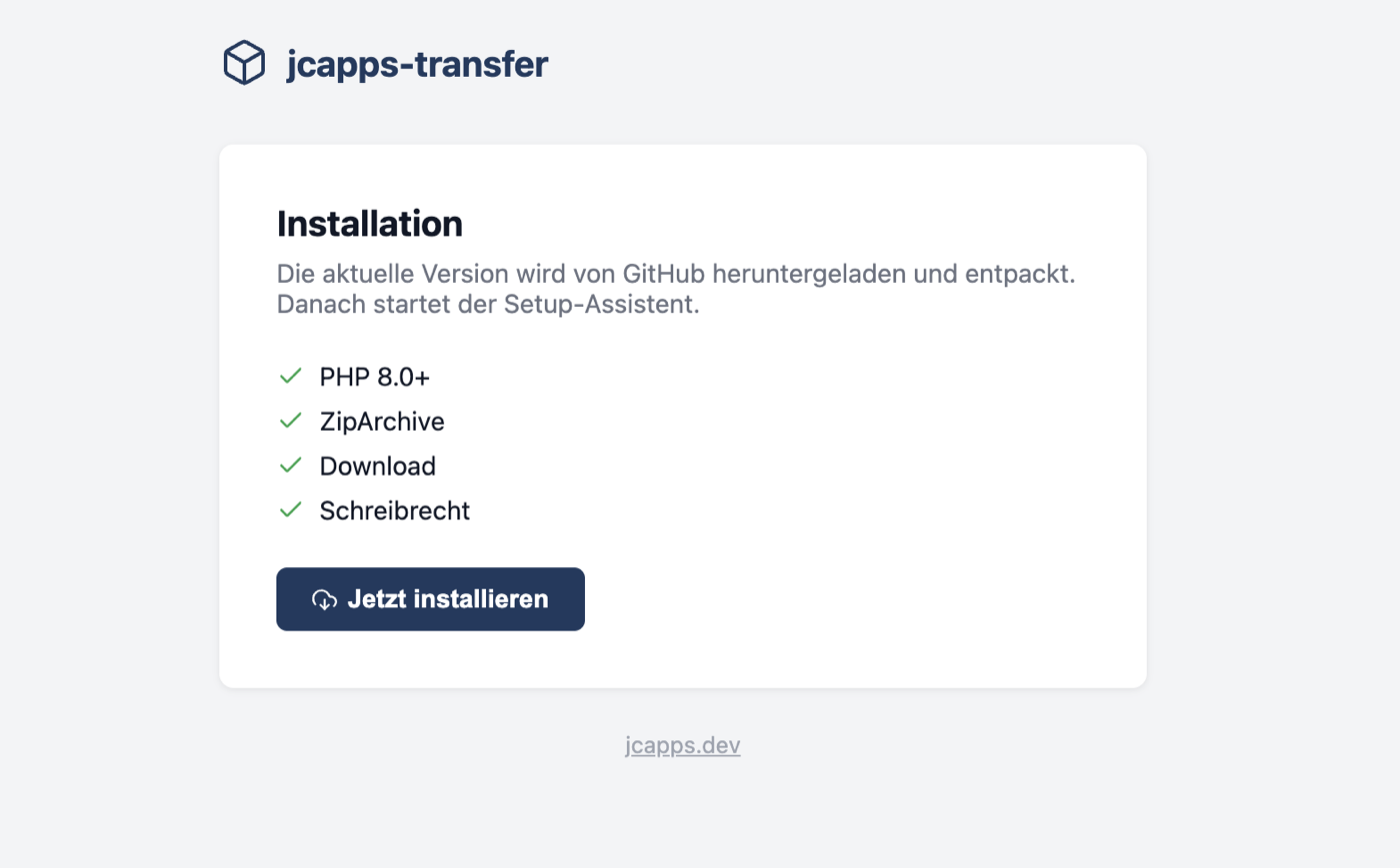
Upload a single install.php to your webroot. It checks PHP version, ZipArchive, download capability and write permissions — then pulls the latest release directly from GitHub.
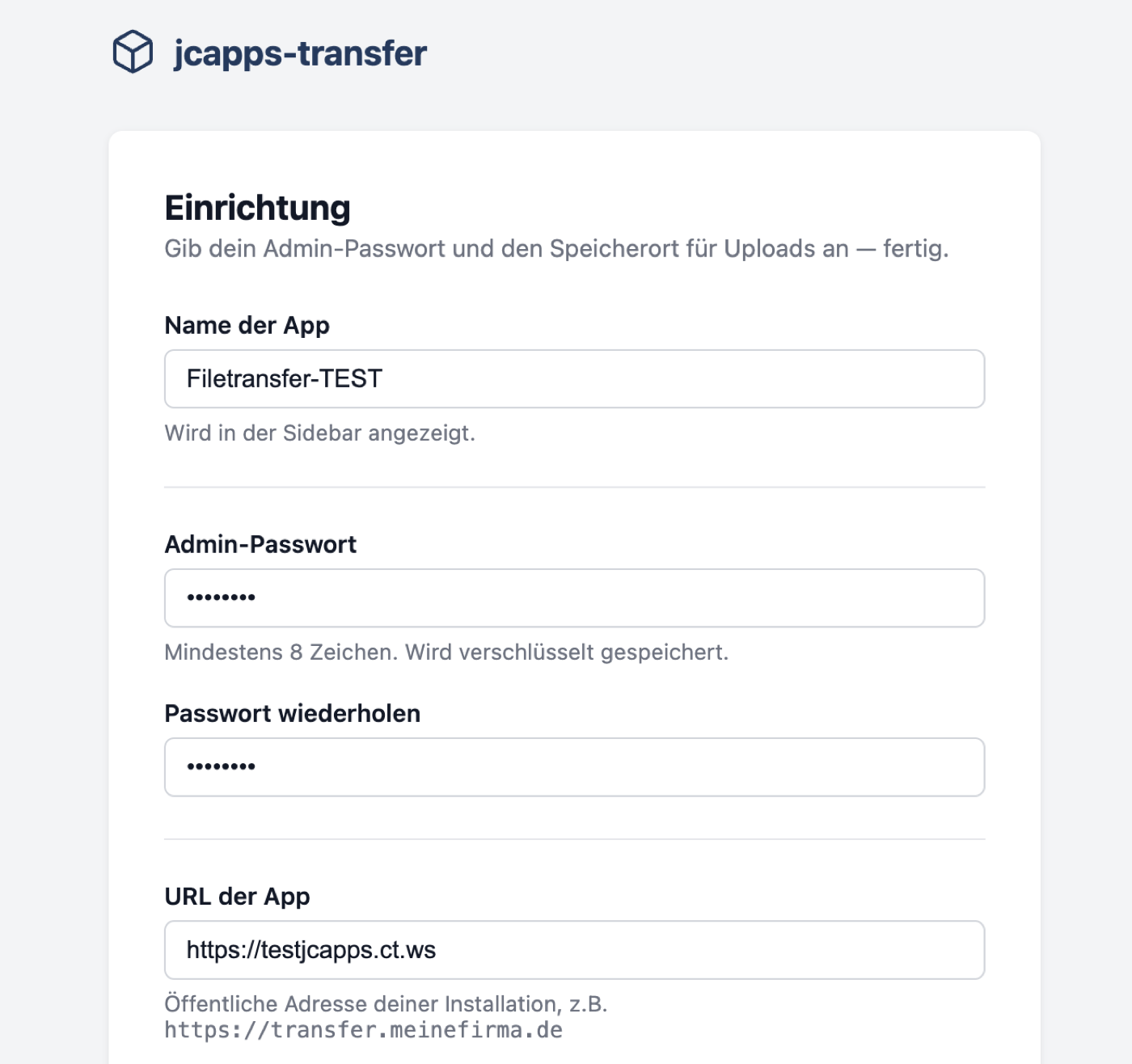
A minimal setup wizard: choose a name, set your admin password and confirm the app URL. The upload directory is auto-detected — outside the webroot when possible, inside when not.
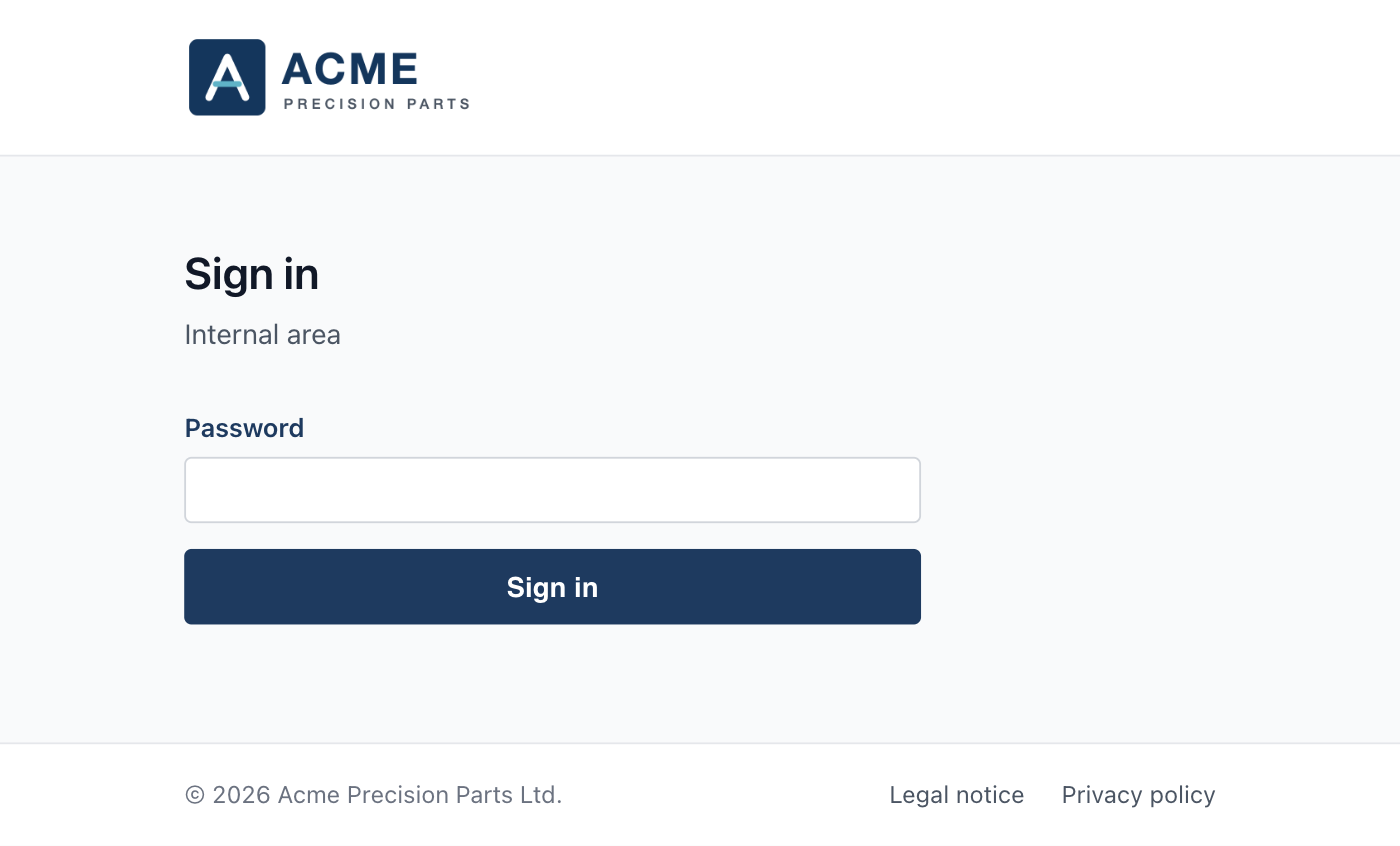
The admin sign-in uses the same calm layout as the download page — your logo, a single password field, your legal links. Login attempts are rate-limited.
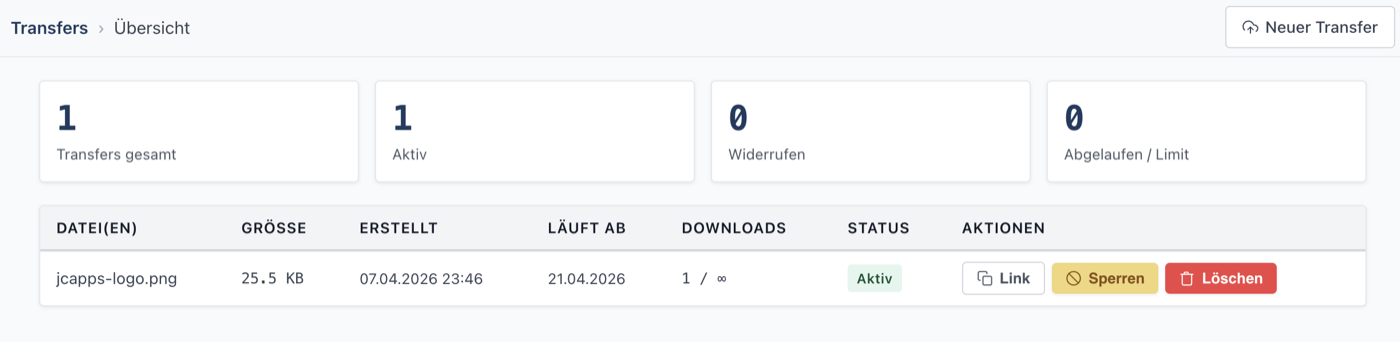
Every transfer at a glance: files, size, creation date, expiry, downloads and status — plus storage usage for transfers and private storage. Copy the link, revoke access or delete with an inline confirmation.
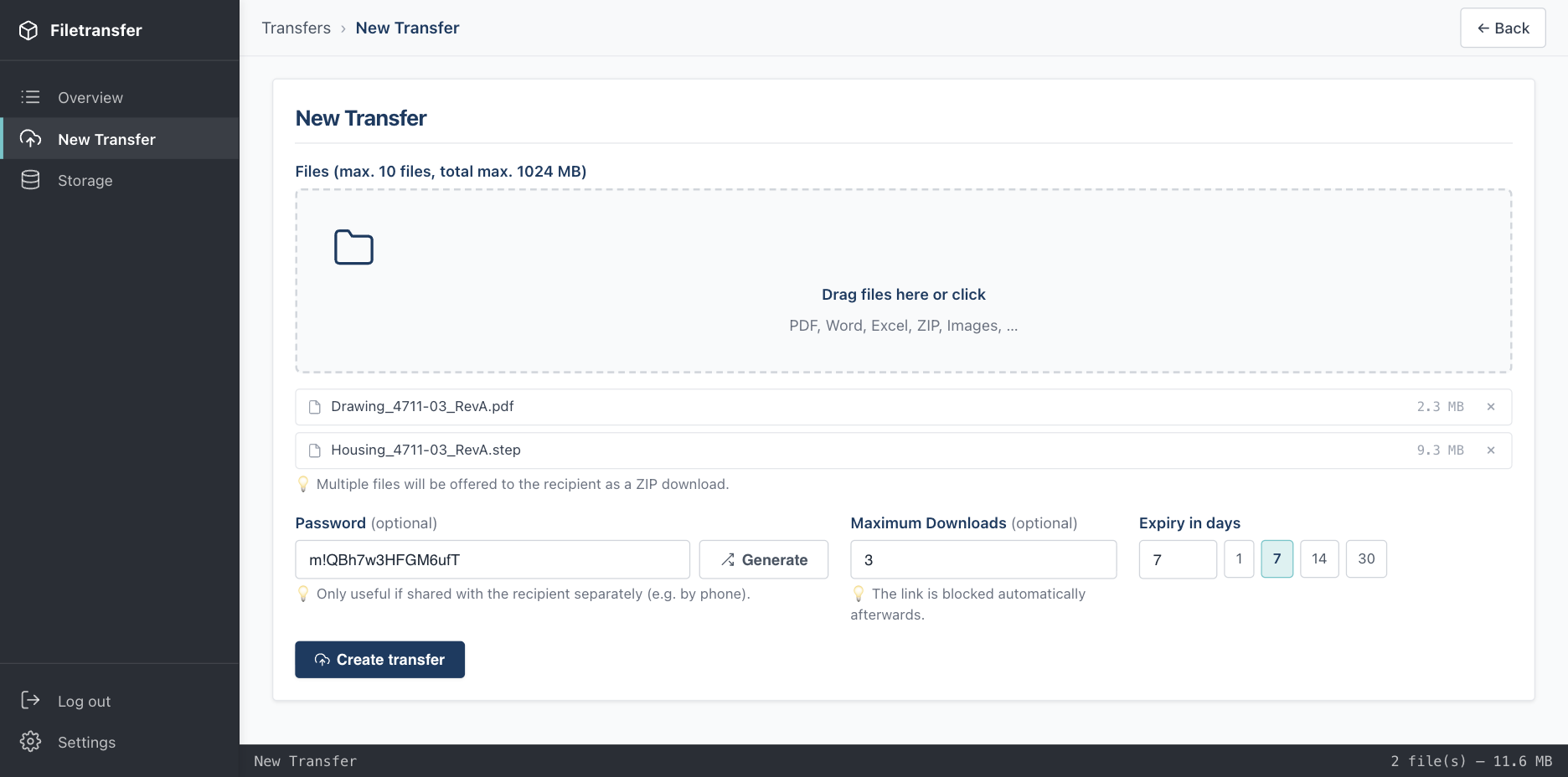
Drop up to 10 files — uploaded in chunks, so large transfers work even on shared hosting (1 GB by default, configurable). Optionally protect the link with a password, limit the number of downloads and pick an expiry — 1, 7, 14 or 30 days, or any value up to a year.
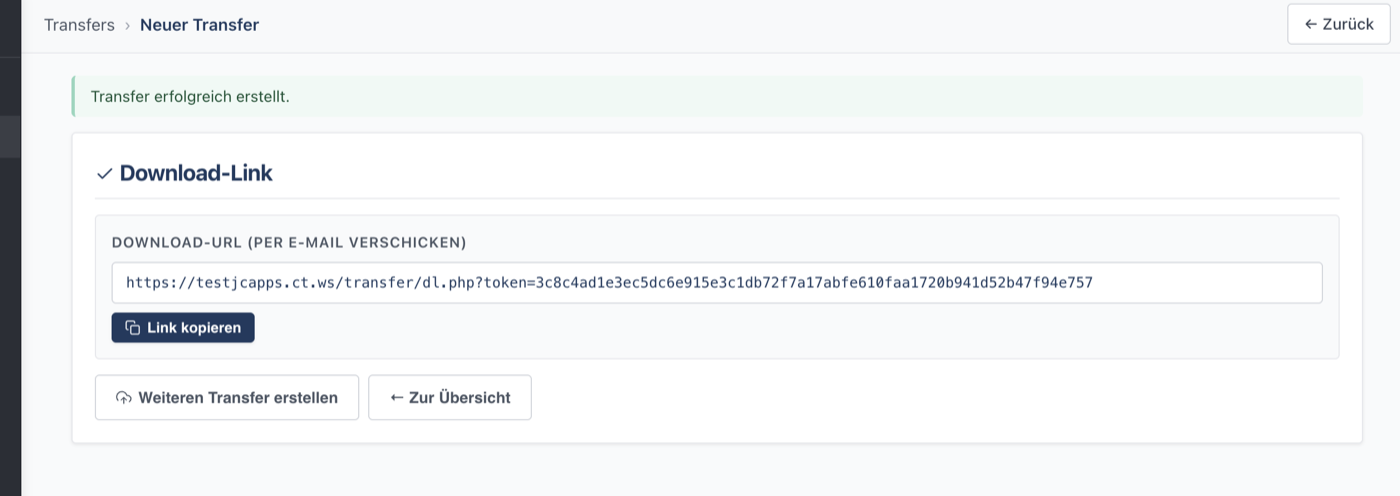
You get a short link backed by a 256-bit token — send it by email, chat or any other channel. The password is shown once, so you can pass it on separately. No account required for the recipient.
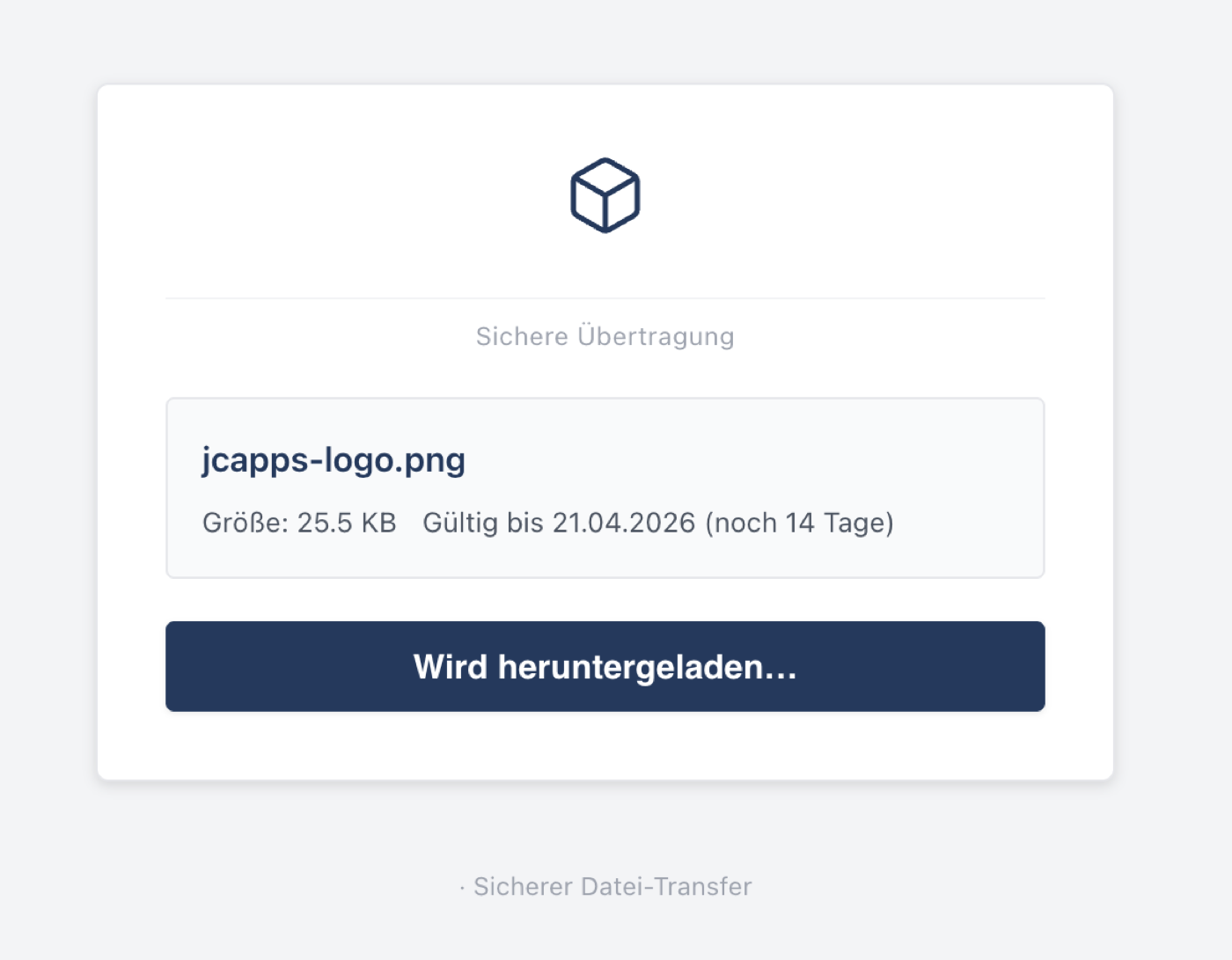
Recipients see a calm page in your branding: your logo, every file with type and size, expiry and remaining downloads, and your legal notice and privacy links. Shown in German or English, based on the recipient’s browser. Large downloads can be resumed after an interruption. No login, no ads, no tracking.
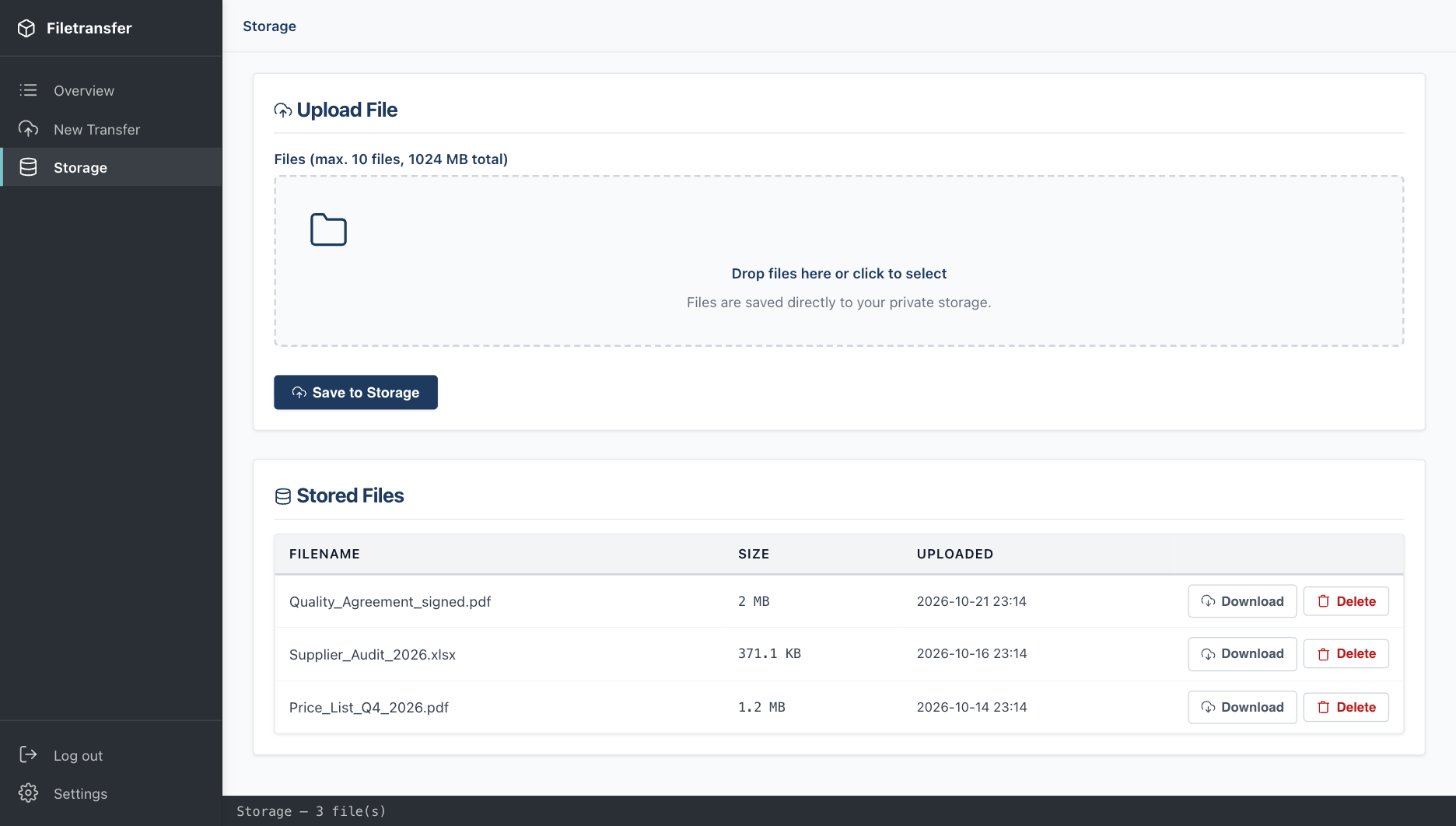
A private storage area for yourself: upload files and download them directly — no link, no expiry. Handy for documents you need on the road.
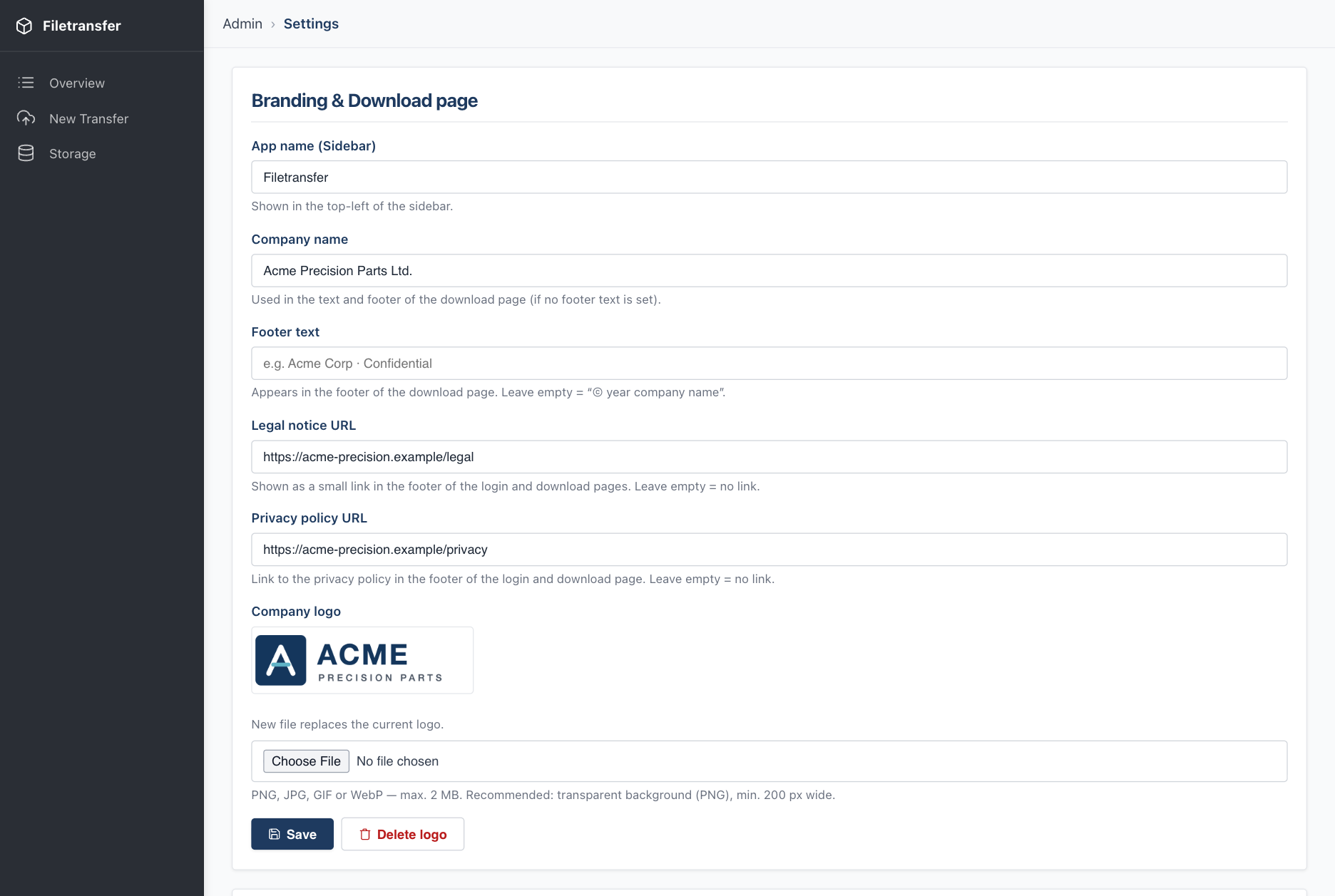
Set your company name, footer text, legal notice and privacy policy URLs and upload your logo. Everything appears on the download and login pages — no code changes needed.
install.php on any PHP host and you're up in minutes.